> For the complete documentation index, see [llms.txt](https://docs.bimcat.org/llms.txt). Markdown versions of documentation pages are available by appending `.md` to page URLs; this page is available as [Markdown](https://docs.bimcat.org/user-manual/usage/help.md).
# Help
The Help section currently has the following items:
#### **bimCAT beta Manual**
Opens this manual in the default system browser.
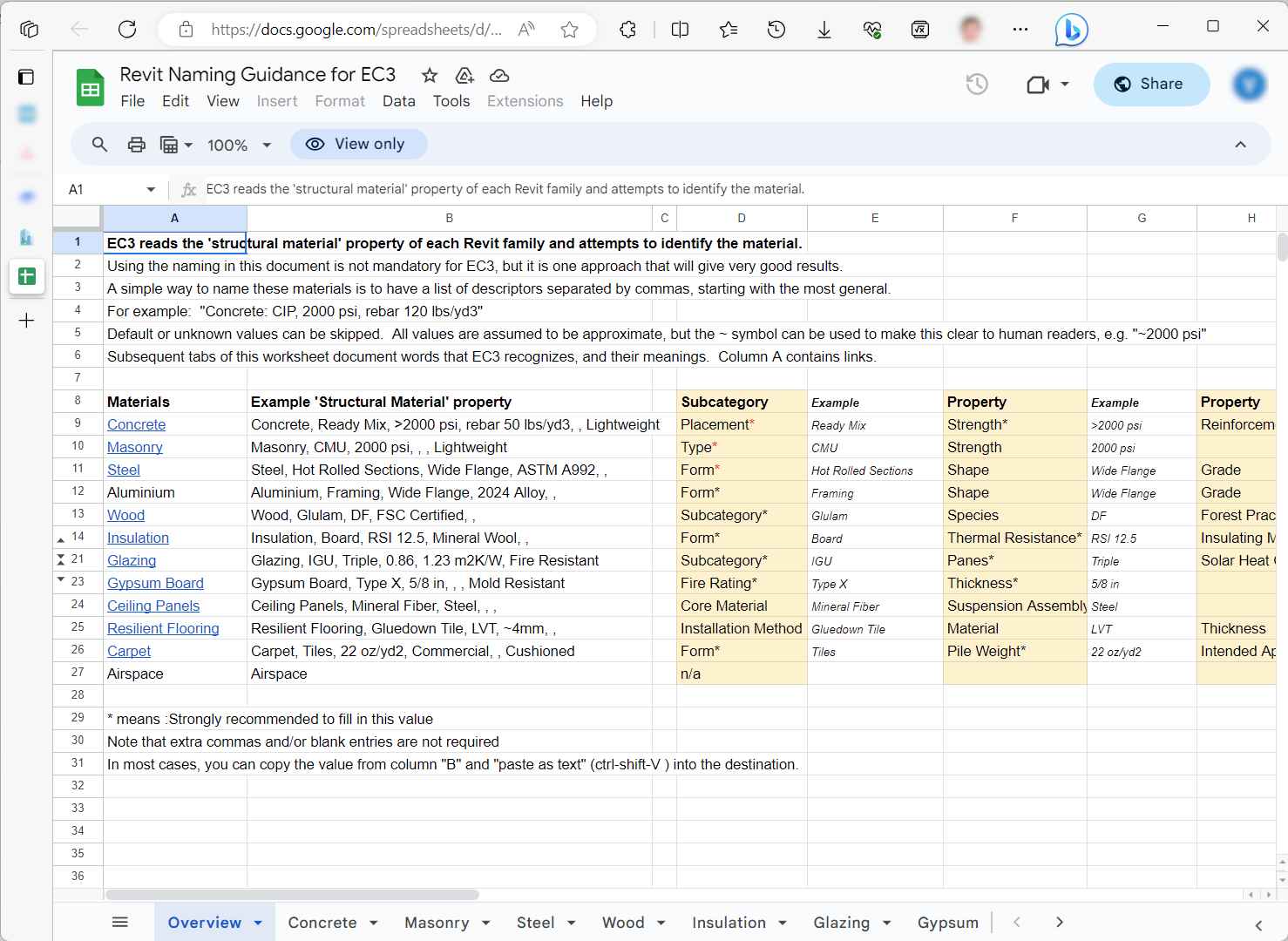
#### **Revit Naming Guidance for Web App**
Opens the Revit material naming guidance which helps to improve automatic material detection on Web App for a particular project.
#### **Report a Bug**
Brings up the bug reporting dialog. More on it in the [Report a Bug section](/user-manual/usage/help/report-a-bug.md).
#### **Check for Updates**
Allows checking for the plugin’s updates. More on it in the [Check for Updates section](/user-manual/usage/help/check-for-updates.md).
#### **Release Notes**
Shows what’s new in the latest version of bimCAT.
#### **About bimCAT beta**
Shows an about window with basic plugin information.
* [BIM Climate Action Tool (bimCAT)](/user-manual/installation/tally-climate-action-tool-tallycat.md)
* [BIM Climate Action Tool (bimCAT) Community Edition](/user-manual/installation/tally-climate-action-tool-tallycat-community-edition.md)
.png?alt=media)
.png?alt=media)
.png?alt=media)
.png?alt=media)
.png?alt=media)
.png?alt=media)
.png?alt=media)